Archive
Tutorials
-
Sample Ephany API Calls in Python
This post contains a collection of code snippets and examples that demonstrate how to use the Ephany Framework API. As the project evolves, I’ll continue adding practical, copy-and-paste samples that show how to connect to your asset data, query your catalogs, integrate with your applications, and build on top of the framework. Whether you’re a…

-
Error Opening an IFC Model in Revit
When attempting to open an IFC model in Revit, I received the following warning which caused the model to not open properly. I noticed the Revit warning provided a link to a log file saved to the same location as the IFC. I went ahead and opened the log file in a plain text editor…
-
Toggle Yes/No Parameters with Formulas
Often times, you’ll want formulas to drive Yes/No parameters in parameter Revit families. There are a few methods for accomplishing this, but I recently stumbled on one that I haven’t seen in my 15+ years of Revit experience. Typically, you will see formulas defined as a toggle and can negate a condition using the NOT…
-
Retrieve Parameter Values Using the Revit API
When working with BIM data using the Revit API, one common step is retrieving parameter values from elements. Whether your goal is to extract or modify the data of an Element, reading parameter data programmatically is almost always going to be your first step. This is a relatively simple task, however it can be a…

-
A Beginner’s Guide to the Revit API TaskDialog
How to build clean, professional dialogs inside Revit add-ins If you’ve ever built a Revit add-in, you know the quickest way to talk to your users is with a simple TaskDialog. It’s lightweight, native to Revit, and far more flexible than a standard .NET MessageBox. In this post, we’ll walk through how a TaskDialog works,…
-
Creating Graphical Signage Revit Families
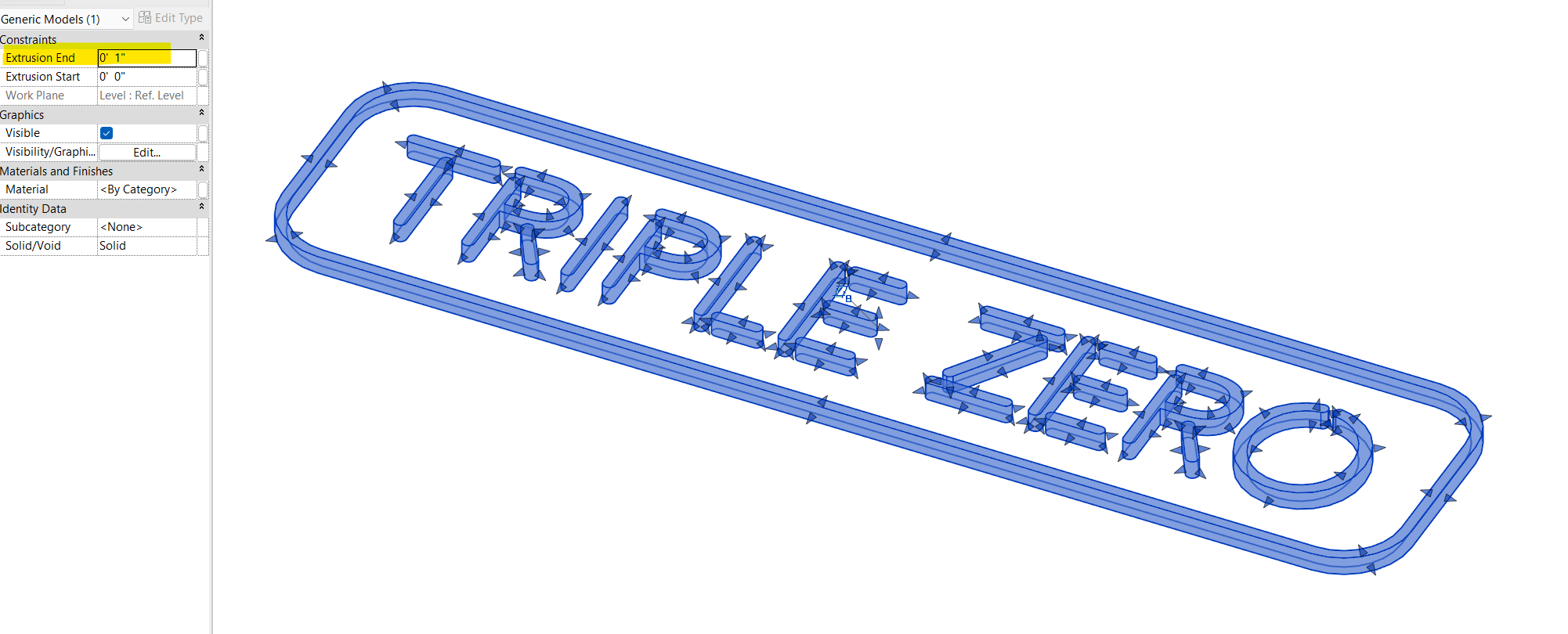
Start with a clean vector file. Ensure you have a file that is in a vector format such as AI, PDF, EPS, or other that is compatible with AutoCAD. Newer versions of AutoCAD can import PDF’s directly, however if for some reason you need to edit your signage in a vector editor BEFORE bringing it…
-
Where are Revit macros saved?
Just in case you were wondering. That is all.
-
Vague Licensing Error in Revit 2019
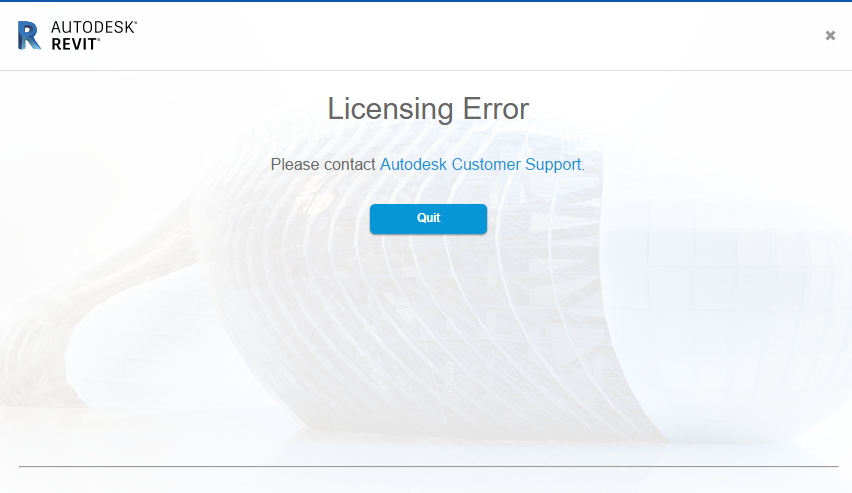
Last week, I received the most vague licensing error in Revit 2019. I was presented with the error message above which states nothing more than “Licensing Error” with no error code or description of the issue. I did a bit of Googling and couldn’t find a surefire solution to fix this. I did, however, learn…
-
Programmatically Retrieve all Shared Parameters in a Project Model using The Revit API
A few months ago, I shared a post on OpenDefinery about a simple solution to fully purge Shared Parameters from a Revit project model. In that post, I shared my discovery that Shared Parameters have an Element ID just like any other model element, which means you can select the parameter through the Revit UI using…
