Archive
Tutorials
-
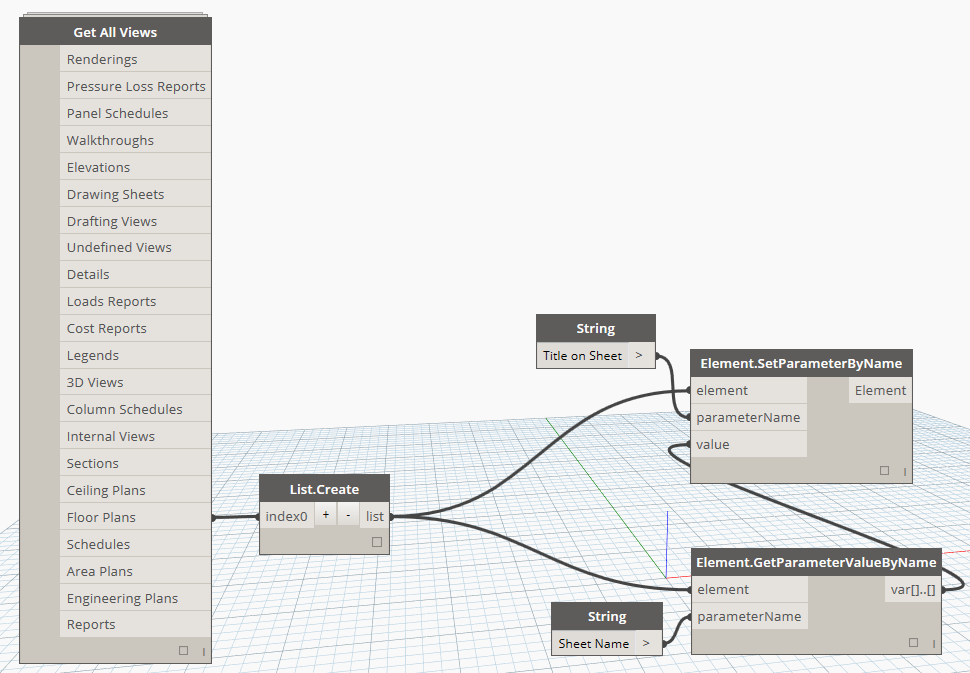
Bulk match the “Title on Sheet” view parameters to their respective sheet name with Dynamo.
With this Dynamo Workflow, you can push the Sheet Name parameter to the “Title on Sheet” parameter of views that are placed on sheets. I recommend beginners to try to recreate this Dyn to help understand some of the basics of Dynamo. Feel free to comment or email with any questions.
-
Revit Macro – List electrical panel schedules and the sheets that they are placed on
We found a quick-and-dirty way to show what sheets your electrical panel schedules are on. Essentially, it is a schedule of schedules. We haven’t found any other way to accomplish this as of yet and we welcome any improvements to this code. What this does is simply create a dialog box with all of your…

-
ArchSmarter Toolbox – Free Macros for Revit to Maximize Efficiency
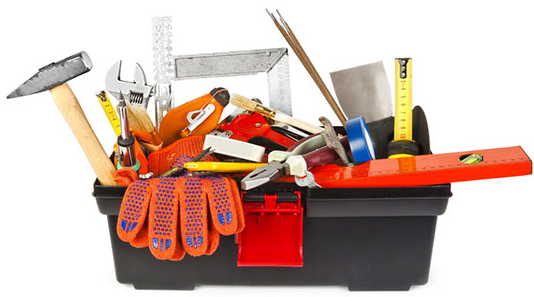
We recently stumbled onto a set of Revit macros that may be of use to all Revit users regardless of skill level. The good folks at ArchSmarter have a toolbox of Revit macros that maximize efficiency on mundane tasks such as duplicating views, aligning views on sheets, and batch linking Revit models. The best…
-
Overlapping Grid Bubbles in Revit and How to Fix Them Globally Across Multiple Views
How do you deal with overlapping grid bubbles? Whether you use “elbows” on your gridlines or offset your bubbles, you should never have to go to each view individually and manually change them. Revit has the ability to apply the visual adjustments to your gridlines across multiple views using “Propagate Extents”. It seems as though this…

-
Using Revit to Design a Storage Unit Facility
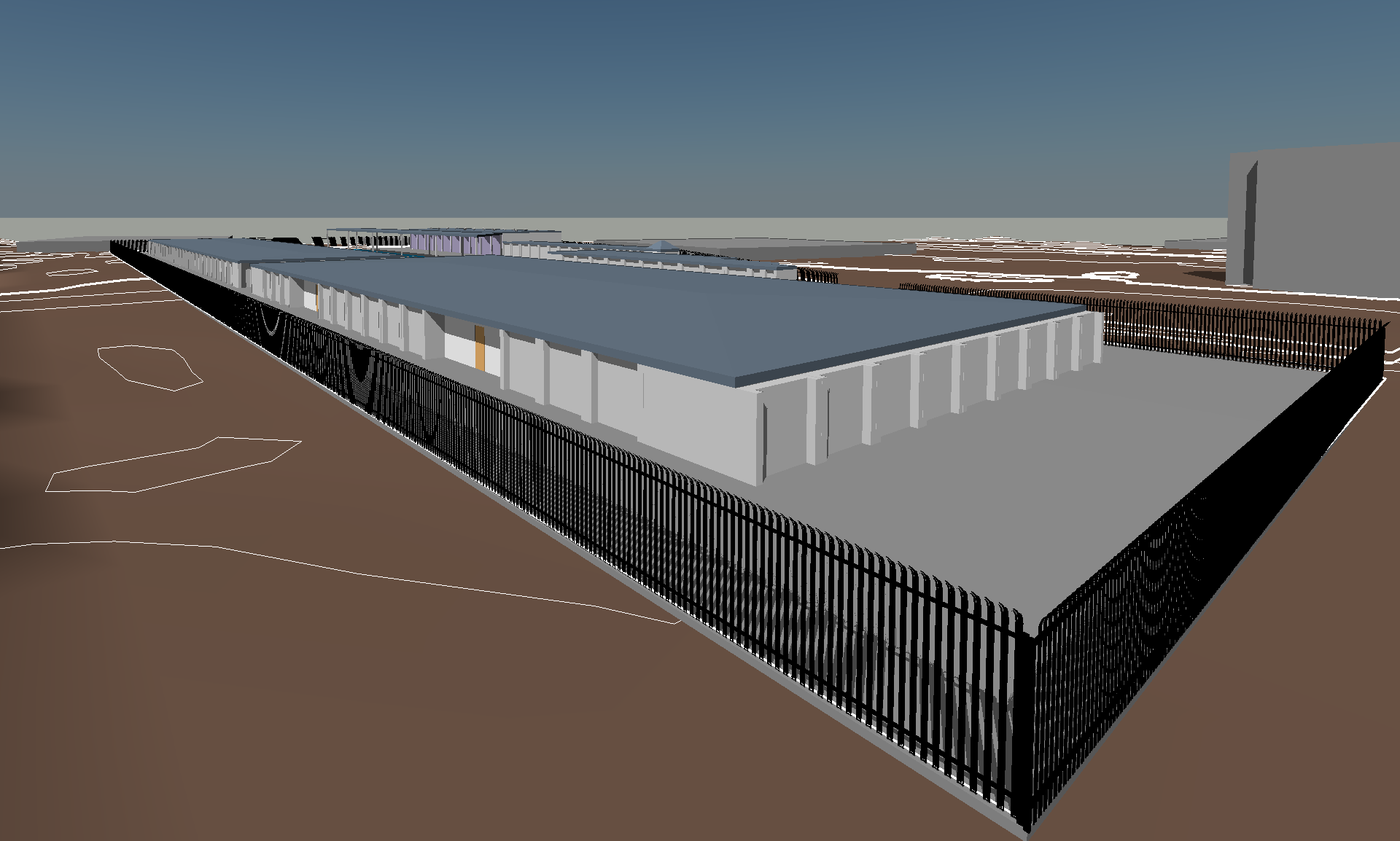
We recently teamed up with a Texas construction company to design a storage unit facility. While this isn’t a exactly a bragging-worthy Revit project, we believe that we’ve used Revit to add value to the conceptual phase for storage facility owners, operators, and investors. 3D is Greater than 2D First and foremost, the site was…
-
Best Practice: Working with multiple disciplines
Working in MEP engineering often feels like juggling chainsaws. Unlike our architectural counterparts, we aren’t just managing one model; we’re typically balancing Mechanical, Electrical, and Plumbing—each with its own unique requirements—while trying to keep them all synced with the latest architectural and structural updates. When you have three separate MEP models all trying to link…
-
Building Information Modeling (BIM) and Facility Management (FM) Is The Future
Yes, Revit is a design tool for architects and engineers. Revit is also evolving into a fabrication tool for contractors. But did you know that a Building Information Model (BIM) can also be beneficial for building owners and facility managers? Autodesk, the leading software company for the building industry, acquired FM Desktop in 2006 only…

-
How to show a custom scale as “None” or “N.T.S.” in Revit
For those of you who are new to Revit, there are many hurdles to overcome when working with documentation. We’ve all run into the issue where we want a drafting view title or titleblock to say “SCALE: NONE” or “SCALE: N.T.S”. This is a simple task, however not very obvious in Revit. Click the scale…
-
Worksets used to control visiblity and graphics are a big no-no.
Can we, as a community, agree that using worksets to control visibility of elements is a horrible idea? There have been a number of models in my recent years where elements’ visibility are controlled based on the workset they are modeled on. Yes, it is easier to turn off multiple worksets based on your personal preference, but…