Archive
Jay Merlan
-
How to create a custom linetype family with text in Revit
A great tutorial. What you are essentially doing is creating a family which you can stretch and contract using parameters. You will also array a label so that you can have your text repeating over the linetype.

-
A Review of BIM Track – A platform for BIM Coordination and Collaboration
While running some BIM coordination exercises at an MEP firm, I had the opportunity to test a new product, BIM Track. While the product may not necessarily be new, it is new to me. Overview From the BIM Track website: BIM Track™ is a web-based collaboration platform that empowers your team with better coordination workflows.…

-
IronPython UI Generator and Script Library for Autodesk Revit
I just stumbled on this script library for Revit users who wish to use Python with the Revit API. In it’s simplest form, it’s a folder of IronPython .py scripts for Autodesk Revit. Check it out on GitHub: https://github.com/eirannejad/pyRevit There is plenty of example code written in Python that you can refer to when learning to create…

-
Creating an MEP Fabrication Layout
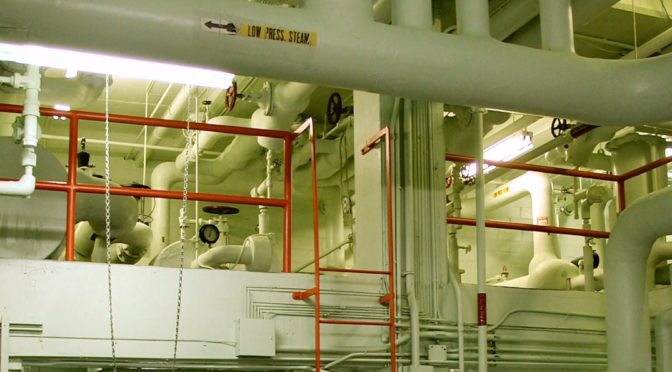
With the new fabrication tools in Revit, detailers can create an LOD 400 model without ever leaving the Revit platform. We would love to hear about MEP detailers who have or have not adopted this platform. Feel free to leave a comment so that we can start a discussion!
-
Here’s why your Revit families hosted to reference planes may appear upside down
Hosting elements to reference planes in Revit is a technique used by many, but only fully understood by few. The most overlooked part of the entire process is drawing the reference plane itself. Did you know that there are differences between drawing a reference plane from right to left versus drawing one from left to right?…

-
[Solved] Error When Attempting to Rotating Multiple Connected Elements in Revit
There are times when you may have attempted to rotate multiple connected objects and receive an error: “Can’t rotate element into this position.” At this point, beginners and seasoned Revit users both might decide that the only option is to model the elements again. Lucky for you, there is a workaround. Multiple Pipes, Fittings, and Pipe…
![[Solved] Error When Attempting to Rotating Multiple Connected Elements in Revit](https://blog.triplezero.xyz/wp-content/uploads/2016/08/Water_valves_with_spigots-e1471551718926-672x372.jpg)
-
A quick fix for gridline bubbles that do not copy/monitor on the same ends of the gridlines
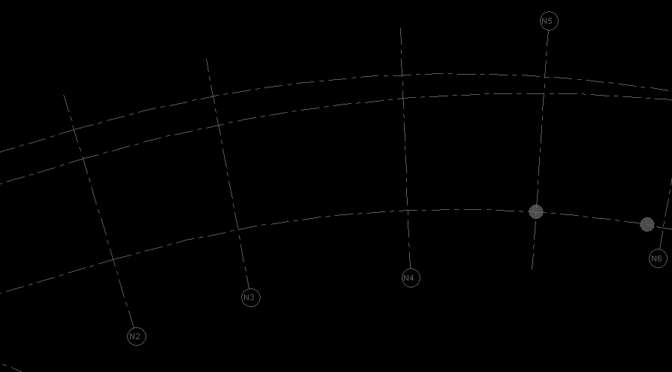
Occasionally, you may copy/monitor gridlines from a linked model only to realize that the grid bubbles are all over the place. Some are at the top, some are at the bottom, some are on the left and some are on the right. This can be frustrating to correct if you have several views in a…
-
Best Practices: Managing Sheet Lists in Revit
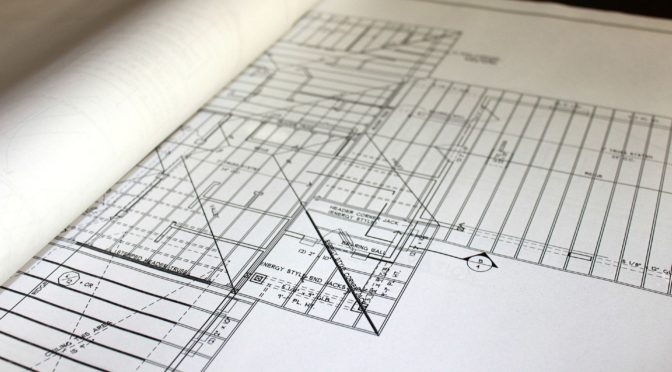
The task of managing drawing lists has typically been a daunting one; Particularly on large projects. With the dawn of Revit adoption, we now have some options to make document control a little easier. Avoid Two Sets of Data When Possible You’ve heard this one a hundred times when using schedules on your drawings. If…
-
Collaboration for Revit (C4R) and A360: Your Revit Model in the Cloud
Update: At some point after this article was published Autodesk has rebranded A360 – it is now called BIM 360. Autodesk has launched a collaborative platform in which users have the ability to host their Revit central models on the A360 cloud. This method attempts to solve the limitation of multiple users in different physical…

-
Using Navisworks SwitchBack for fixing clashes in Revit
We are really excited to try out Navisworks SwitchBack. This add-in will allow you to select an element in Navisworks and switch to Revit to fix the clash. It appears as though we will finally have full Interoperability between Navisworks and Revit. Rest assured that we will write a full review of the workflow once we’ve had…